


Creating a home office that is both cozy and productive can greatly enhance your work-from-home experience. A well-designed space encourages focus, reduces stress, and can even inspire creativity. Whether you have a dedicated room or just a small corner, these tips will help you transform your area into a comfortable, efficient workspace.
Choose the Right Location
Consider Natural Light
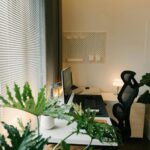
Pick a spot near a window if possible. Natural light improves mood and energy levels, which helps keep you alert throughout the day. Avoid glare on screens by positioning your desk perpendicular to the window rather than directly in front or behind it.
Minimize Distractions
Look for a quieter area of your home where you can focus without interruptions. If background noise is unavoidable, consider noise-cancelling headphones or a white noise machine.
Invest in Comfortable Furniture
Ergonomic Chair
Your chair is one of the most important pieces. An ergonomic chair supports your back and encourages good posture to prevent discomfort.
Desk Options
Choose a desk that fits your space and work style. Adjustable desks or standing desks provide flexibility if you prefer to switch between sitting and standing.
Add Comfort Elements
Incorporate items like a soft cushion or a footrest to enhance comfort during long work sessions.
Organize Your Space
Declutter Regularly
Keep your desk tidy by removing unnecessary items. A clear surface helps maintain focus.
Use Storage Solutions
Employ shelves, drawers, or organizers to store documents and supplies. Labeling storage can save time when you need to find things.
Cable Management
Use cable clips or sleeves to keep cords neat and prevent tangling.
Personalize to Boost Mood
Add Plants
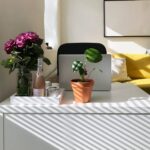
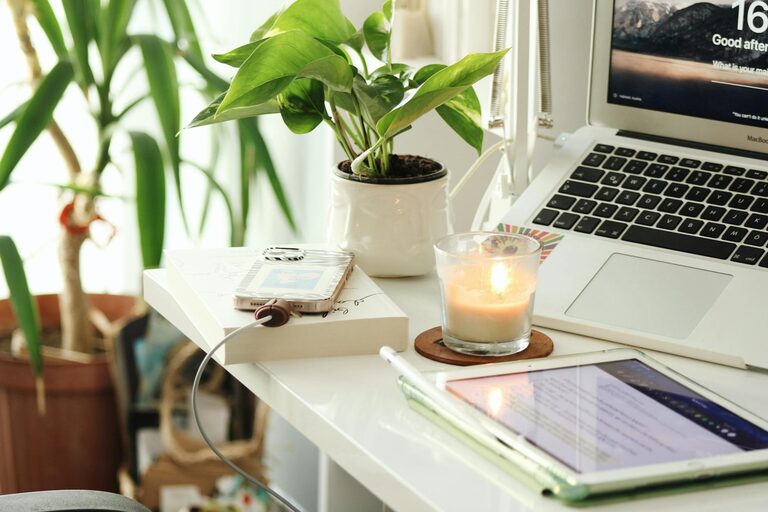
Indoor plants improve air quality and bring a natural element that can reduce stress.
Choose Calming Colors
Decorate with colors that soothe you, such as soft blues or greens, to create a tranquil environment.
Display Inspirational Items
Photos, artwork, or motivational quotes can make your workspace welcoming and inspire you throughout the day.
Optimize Lighting
Layered Lighting
Combine overhead lights with task lighting to avoid eye strain. A desk lamp with adjustable brightness can help during evening hours.
Avoid Harsh Lighting
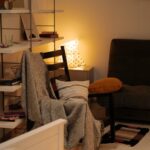
Opt for warm or neutral bulbs to maintain a cozy atmosphere.
Set Boundaries
Define Work Hours
Establish clear start and end times to maintain a healthy work-life balance.
Separate Work and Relaxation Zones
If space allows, keep your office area distinct from your leisure space to mentally switch between work and rest.
Use Technology Wisely
Reliable Internet Connection
Ensure your Wi-Fi is strong and stable for video calls and smooth workflow.
Monitor Setup
Use a monitor or dual screens if possible to increase efficiency.
Minimize Digital Distractions
Set notifications wisely and use apps that block distracting websites during work hours.
Keep Comfort in Mind
Temperature Control
Make sure your workspace is neither too hot nor too cold. A small desk fan or heater can help regulate temperature.
Take Breaks
Incorporate short breaks to stretch or walk around to avoid fatigue.
Final Thoughts
Designing a cozy and productive home office doesn’t require a complete overhaul of your space. Small changes like adding plants, optimizing lighting, or improving organization can make a big difference. The key is to create an environment that supports your focus and wellbeing, so you can enjoy your workday and feel comfortable at the same time.
By following these tips, you can establish a home office that feels inviting and helps you stay productive, no matter what your work entails.